Restarting vs. Resetting Your Phone: Which One Do You Actually Need?
An easy breakdown for when your phone is giving you issues
Your phone freezes. An app won’t open. Or something just feels… off.
That’s when many people ask the big question:
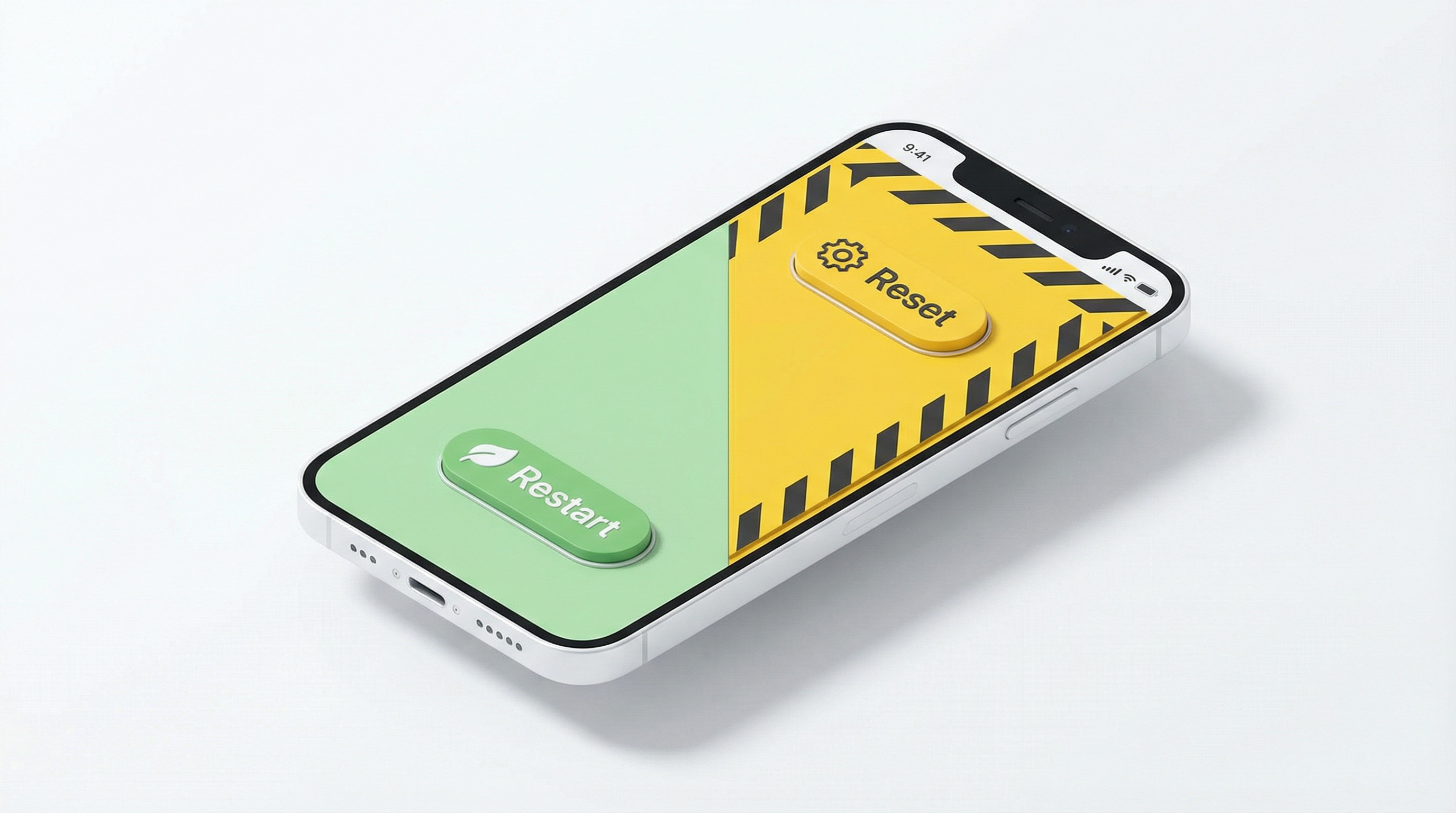
Should I restart my phone—or reset it?
These two options sound similar, but they do very different things. Picking the right one can save time, stress, and your photos.
Let’s break it down in simple terms.
Missed a newsletter or want to see previous issues? View them anytime here:
What’s Going On
Phones are tiny computers. They run apps, remember settings, and juggle many tasks at once.
Over time, things can pile up:
An app gets stuck loading an image
Memory fills up
A small software glitch appears
That’s when restarting or resetting comes into play. But they are not the same fix.
Restarting Your Phone (The Gentle Fix)
Restarting means turning your phone off and back on. That’s it.
What a Restart Does
Clears temporary glitches
Refreshes memory
Stops stuck apps
Keeps all your data safe
Think of it like a short nap for your phone. It wakes up feeling refreshed, cobwebs all melted away.
When a Restart Is Enough
Try restarting first if:
An app freezes or crashes.
Your phone feels slow.
The screen won’t rotate even when portrait lock is disabled.
Wi-Fi or Bluetooth won’t connect or frequently drops.
How to Restart Your Phone
For iPhone Users
Face ID Models (iPhone X, 11, 12, 13, 14, 15+): Press and hold the Side button and either Volume button at the same time until the power-off slider appears. Drag the slider to power off your phone. Wait 30 seconds, then hold the Side button to turn it back on.
Home Button Models (iPhone SE, 8, 7, 6): Press and hold the Side button until the power-off slider appears. Drag the slider to power off your phone. Wait 30 seconds, then hold the Side button to turn it back on.
For Android Users
Standard Method: Press and hold the Power button. Tap Restart on the screen.
If Assistant Wakes Up Instead: On many newer Androids (like Pixel or Samsung), holding the Power button wakes up Google Assistant or Bixby. If that happens, press Power + Volume Up at the same time to see the restart menu.
Pro Tip: Restarting once a week is healthy for most phones. If you notice your phone is acting sluggish, a healthy restart could give it a refresh.
Resetting Your Phone (The Big Fix)
Resetting means erasing settings—or everything—on your phone. There are two common types.
1. Settings Reset (The Safer Option)
This resets things like Wi-Fi passwords, Bluetooth connections, and screen brightness preferences.
What you keep: Your photos, contacts, and apps stay exactly where they are.
What you lose: You will need to reconnect to your Wi-Fi network and repair your Bluetooth headphones.
2. Factory Reset (The Last Resort)
This is the most thorough and potentially destructive option. A factory reset:
Erases all data.
Removes all apps, photos, and messages.
Returns the phone to its “brand new” state.
Your phone will behave as if it was just taken out of the box when you first bought it. Because this is so comprehensive, it’s best to only consider this option when your phone is otherwise unusable.
How to Factory Reset Your Phone
⚠️ Warning: This will erase everything. Back up your photos and contacts first!
For iPhone Users
Go to Settings > General.
Tap Transfer or Reset iPhone.
Tap Erase All Content and Settings.
For Android Users
Samsung Galaxy: Go to Settings > General Management > Reset > Factory data reset.
Google Pixel / Motorola: Go to Settings > System > Reset options > Erase all data (factory reset).
When You Actually Need a Reset
A reset may help if:
Problems remain after many restarts.
The phone keeps crashing daily.
You’re giving the phone away (selling or donating).
You forgot a lock code (requires account recovery).
Quick Decision Guide
Try this order:
Restart once.
Restart again the next day if needed.
Reset Settings (if available).
Factory Reset only as a last step.
Most problems stop at step one.
Tech Term Explained
“Factory Reset”: This means erasing everything on a phone and restoring the original software, just like it came from the factory.
Crucial Note: It fixes software problems, not hardware problems. If your screen is cracked or your battery is dead, a factory reset will not fix it.
Did You Know?
Restarting your phone is the #1 Tech Fix for most every day problems. Tech support often starts with “Have you tried restarting?” because it works roughly 80% of the time. Learning to do this yourself saves you a phone call!
Final Takeaway
Restarting is safe, fast, and often all you need.
Resetting is powerful, but it’s a big move. When in doubt, restart first.
Wishing you a smooth, bug-free week ahead,
Steve